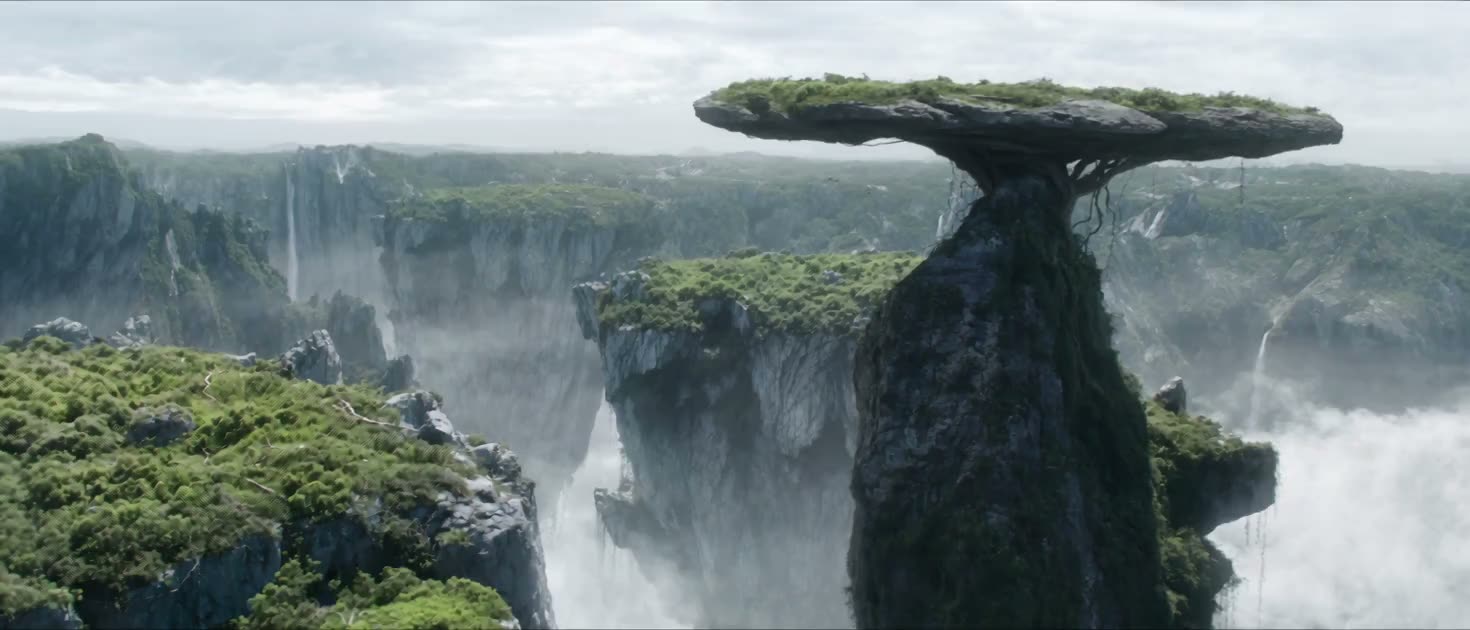
AI VIDEO GENERATION FROM A SINGLE PROMPT
Name the subject, location, action, lens feeling, and light before you ask for movement. A precise brief gives you something useful to evaluate.
FREE AI VIDEO & IMAGE GENERATOR
Turn a text prompt or reference image into a cinematic scene. Shape the frame, motion, and atmosphere, then generate your next version in seconds.
Higgsfield AI is a creative platform for generating cinematic images and videos from prompts or reference images.
Name the subject, location, action, lens feeling, and light before you ask for movement. A precise brief gives you something useful to evaluate.
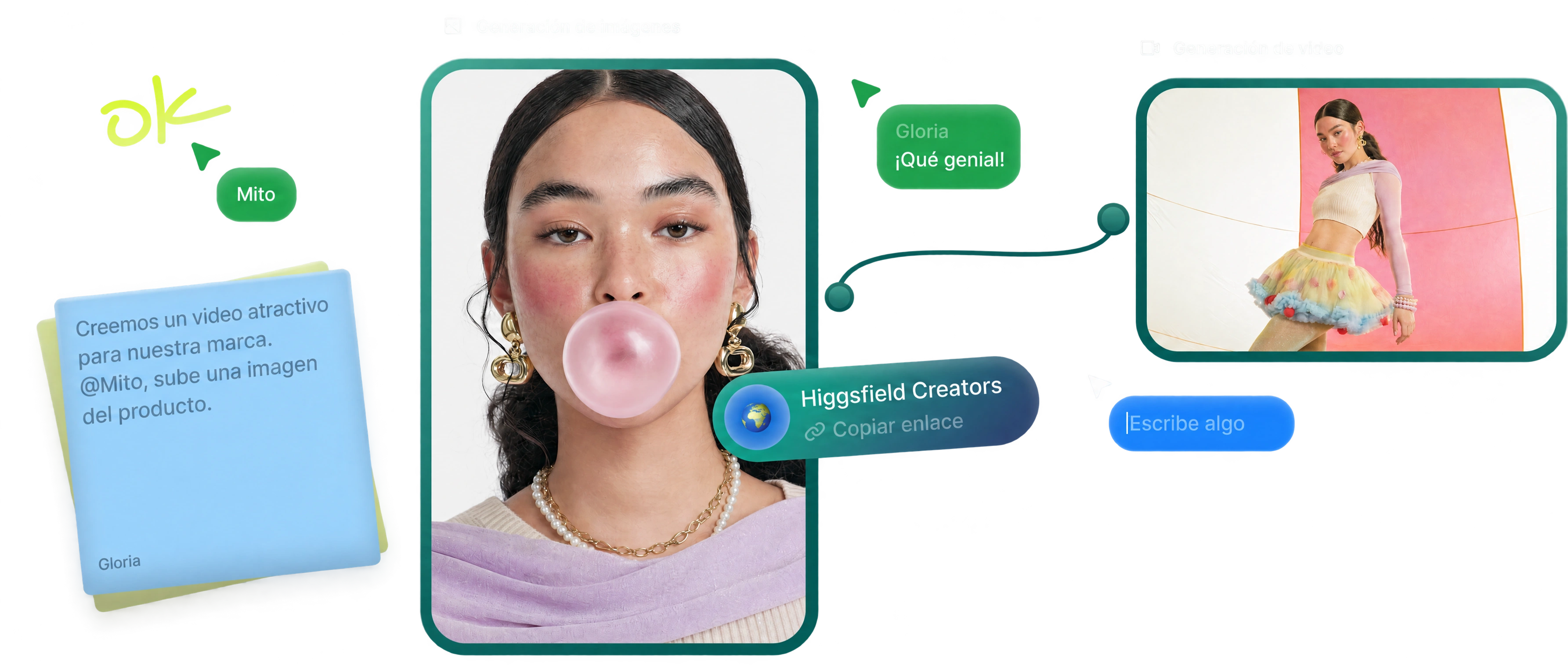
References, prompt versions, and a simple shot list make it easier to identify what improved between one render and the next.
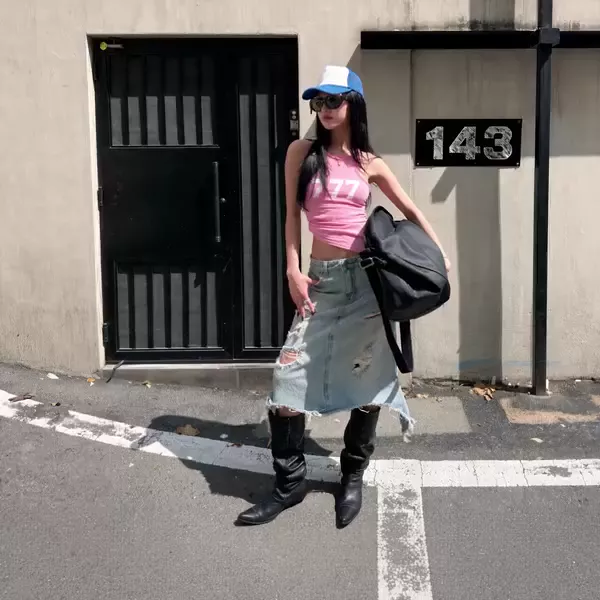
WHY A DIRECTED WORKFLOW MATTERS
A successful AI video is usually the result of a good decision sequence, not one lucky generation.
Choose the story beat and subject first. A reference image helps keep composition, wardrobe, and palette from drifting.
Plan the frame ↗Give the camera one readable job: push in, track alongside, tilt, orbit, or hold. Too many instructions compete.
Build the shot ↗Inspect identity, motion, edge detail, rhythm, and framing. Then revise the single weakest decision before generating again.
Try the generator ↗CREATIVE APPLICATIONS
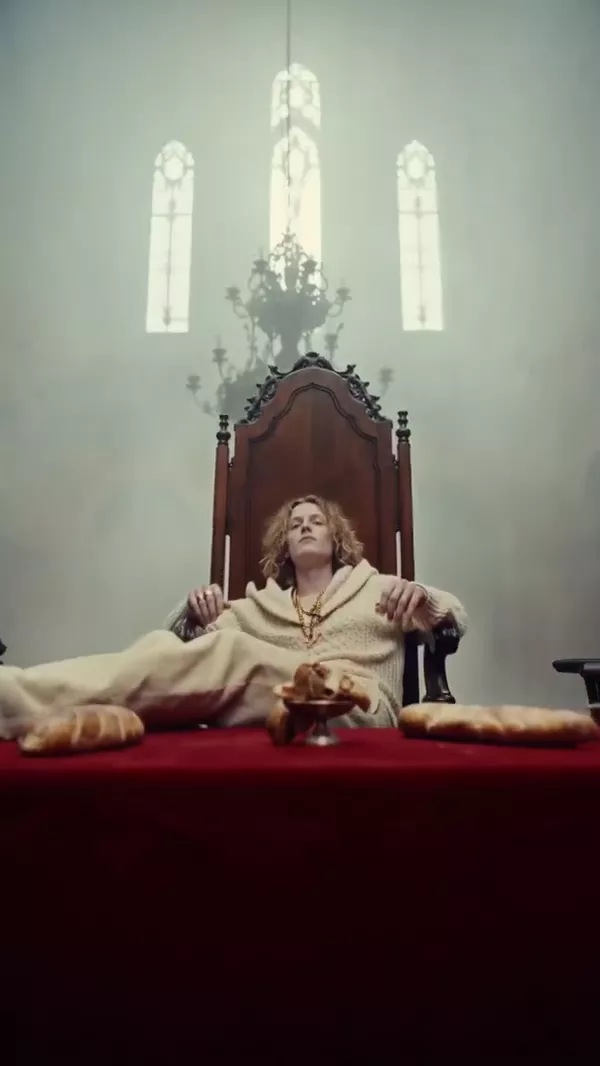
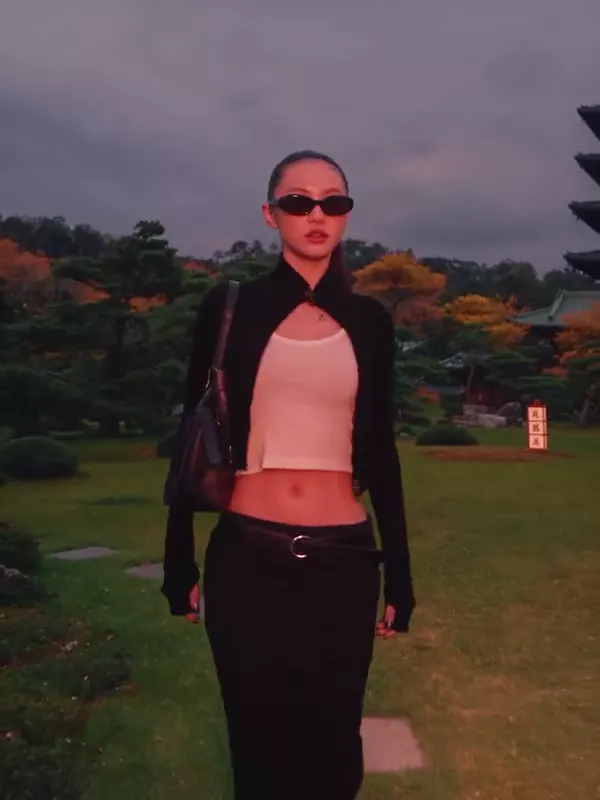
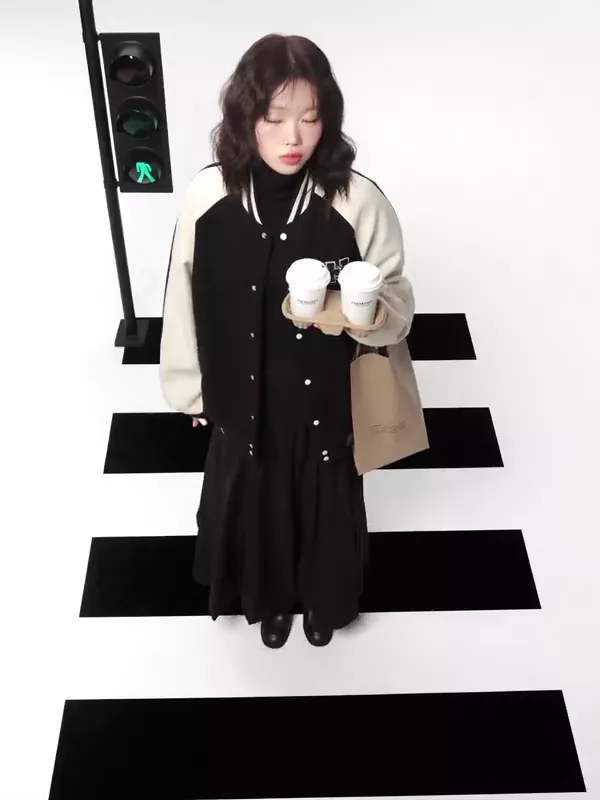
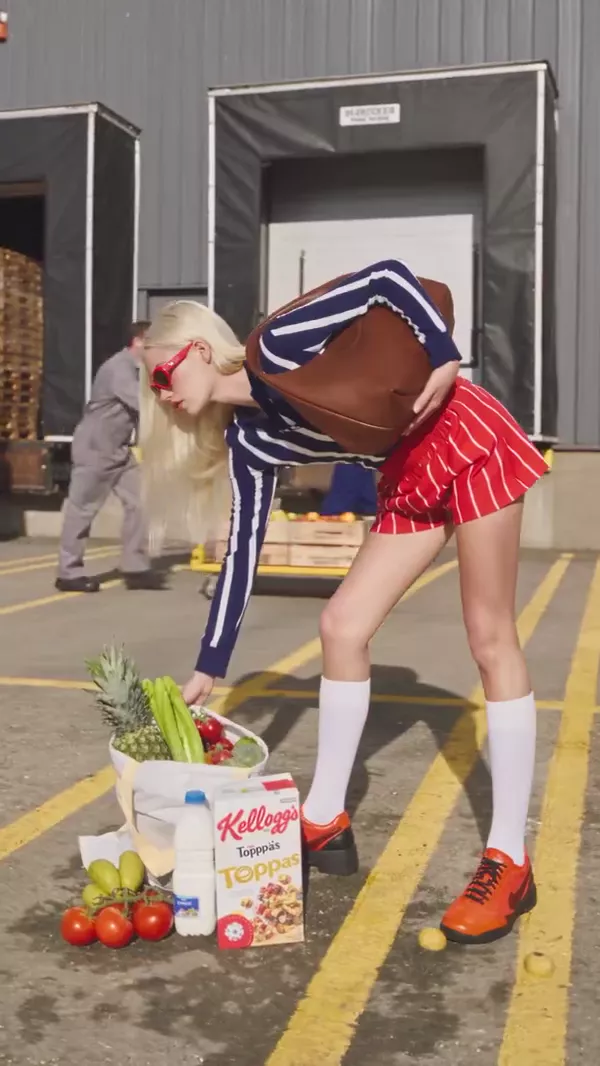
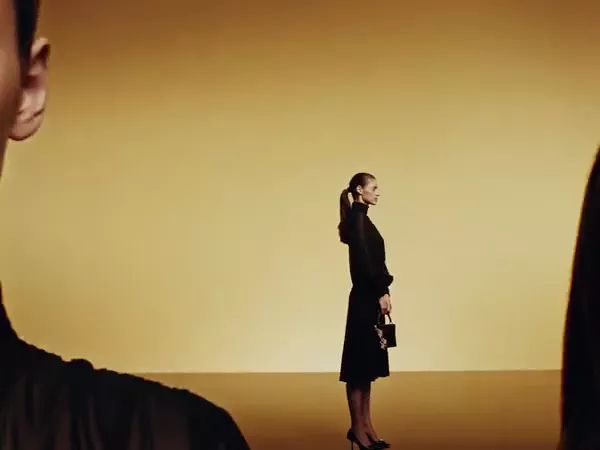
Product moments, social edits, music concepts, and character scenes all benefit from the same basics: a readable starting frame, a motivated move, and one visual priority.
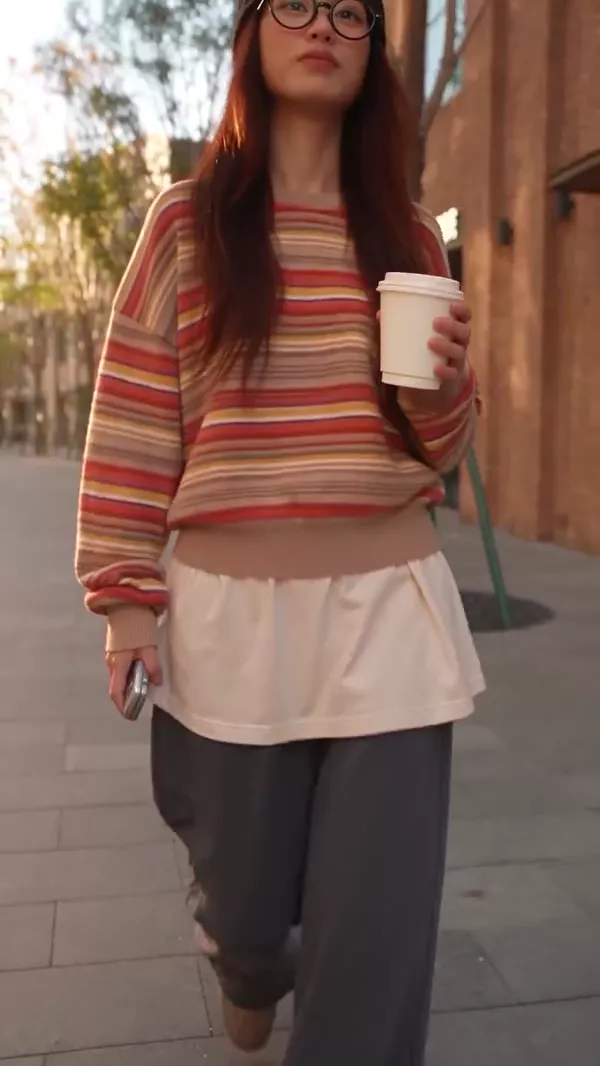
BUILD A REPEATABLE SHOT SYSTEM
Use reference images to anchor your subject, setting, and mood before generating movement.

Start with the face, product, location, or mood the audience needs to recognize.

Decide what changes across the shot, and let the camera movement reveal that change.
THE DECISIONS TO MAKE FIRST
Before you generate, decide what the viewer should notice and what the camera should do with that information.
Specify one move and its reason: push toward a reveal, track with a subject, or hold to make a still moment feel deliberate.
Choose the aspect ratio for the final placement. Reframing after generation can weaken the composition you intended.
Describe the source, time of day, contrast, and texture. These details give effects and movement a shared visual logic.
Check continuity, identity, hands, edges, movement, and pacing before you decide whether a new prompt is needed.
HOW TO USE HIGGSFIELD AI FOR A SHOT
Use a repeatable four-step system so each new version answers a creative question instead of changing everything at once.
Write one sentence about what changes in the shot. Then add subject, setting, mood, and the visual detail that must survive the generation.
Use a still image when the composition or identity matters. State which elements are fixed and which parts are allowed to evolve.
Choose a camera move, action, and pace that support the beat. Keep the prompt readable enough that you can diagnose the result.
Keep what works. Change the smallest useful instruction first, compare versions, and only then add a new visual treatment.
HIGGSFIELD AI WORKFLOW
For Higgsfield AI video work, a useful prompt starts before the prompt box. Decide what the shot needs to communicate in the first second: a person arriving, a product catching light, a character noticing a change, or a landscape becoming unfamiliar. That decision gives every later instruction a job. Without it, a list of attractive adjectives may create a striking frame but not a scene with a point of view.
Write the brief in layers. Start with the subject and action, then name the location, time, light, composition, and camera movement. Add a small number of materials or atmospheric details only when they support the story. "A runner crosses a rain-soaked street as the camera tracks beside her" gives a generator clearer priorities than a long, unranked collection of styles, lenses, colors, and effects.
A still can hold the information that words often lose: silhouette, wardrobe, palette, product geometry, set design, and the relationship between subject and background. Before you upload one, identify the non-negotiable elements. Is the image there to preserve a face? To keep a product recognizable? To establish a wide composition? The answer tells you what to inspect in the first result.
Do not ask the next version to solve every problem at once. If the framing is right but the motion is weak, keep the frame and adjust motion. If the face drifts, simplify the action before adding a new effect. A small, traceable revision loop makes it easier to learn which instruction actually changed the shot.
Cinematic does not mean constant movement. A locked frame can make a reveal feel tense; a slow push can draw attention to a decision; a tracking shot can make forward movement legible. Pick one camera instruction that has a clear relationship to the action. If the camera, subject, light, and effects all demand attention at once, the result can feel busy even when every individual detail looks polished.
Plan the delivery format before you generate. A vertical social frame, wide product moment, and square editorial crop emphasize different parts of the same scene. Selecting the aspect ratio early protects the composition and reduces the temptation to repair a good image through a late crop.
After a render, pause before writing the next prompt. Check whether the subject stays recognizable, whether hands and edges remain believable, whether movement has a start and finish, and whether the eye goes where the brief intended. Then decide whether the shot needs a correction, a variation, or a different idea. This makes the workflow useful for concepting as well as final selections.
Higgsfield AI is built for fast visual iteration. Features, models, plans, and usage rights can change, so review the current product terms before you publish client work or rely on a specific feature.
HIGGSFIELD AI FAQ
A practical starting point for turning a concept into a shot you can evaluate, refine, and use in a wider edit.
Higgsfield AI is a creative AI platform for generating cinematic images and videos from a text prompt or reference image.
Start with the subject, setting, action, framing, camera movement, light, and mood. Keep one decision clear in each layer, then change one instruction at a time when refining the result.
A reference image can anchor composition, wardrobe, palette, and subject identity. Review the first result for drift before adding more motion or effects.
A clear subject, intentional camera language, motivated movement, consistent light, and a review pass give a generated shot a more directed result.
Usage rights depend on the current product terms and the assets in your project. Confirm the applicable plan, policy, and rights for every release before publishing or delivering work.
READY TO CREATE?
Generate a free 1K image or a free 4s video from your brief.
Start creating for free ↗